Features of CDM Cloud
The CDM ToolKit CS™ Cloud product includes features specific to CDM, along with standard features
CDM ToolKit CS™ Cloud allows any number of users to initiate project detail, edit template based documents and add a multiplicity of attachments for the management of the CDM process including the provision of the Notification (Form 10), Pre-Construction Information, Construction Phase Plan, and Health & Safety File. All documents and reports can be formatted as required to meet corporate style requirements.
This CDM 2015 compliant cloud-based application allows any member of the construction team (with permission) to access the data they need, be they Client, Principal Designer, Principal Contractor, Designer, Contractor or any other part of the construction management team.
The heart of ToolKit CS™ Cloud is a database with its own document management system. The single database always knows where to find the latest audited version of documents and management information.
View more information about many of the available features by selecting them from the options below.
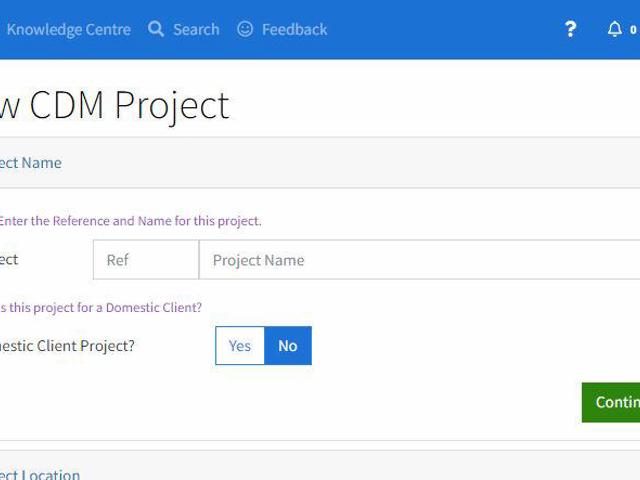
New users will find the New Project screen very simple to use irrespective of the size of the installation or of the project.
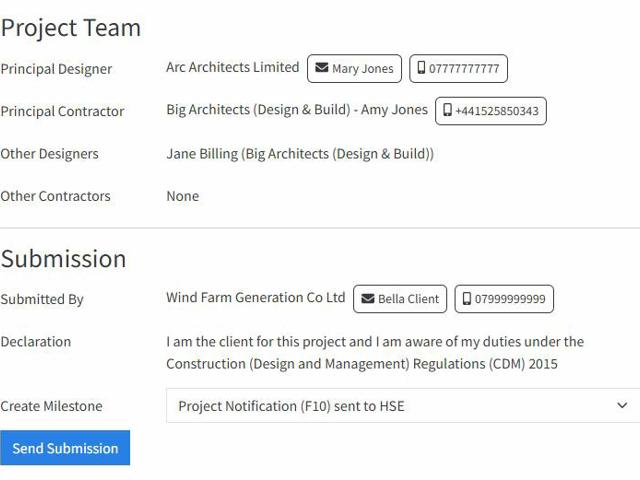
Automated Project Notification (F10) Submissions
The automated F10 project notification submissions feature sends project notification data directly to the HSE's project notification (F10) website whenever the user needs to submit or update the HSE with new project information.
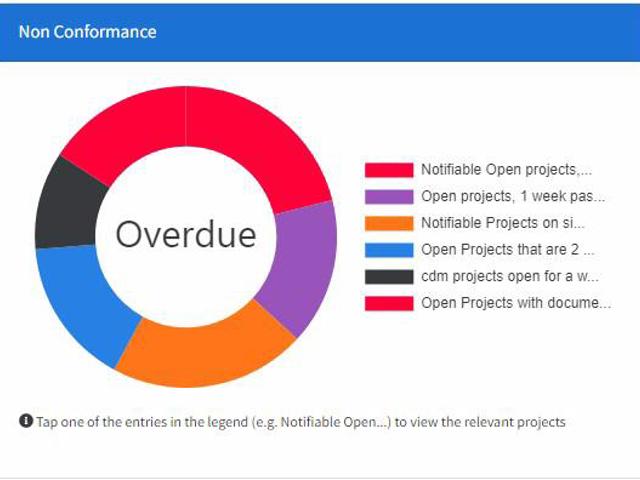
The Dashboards include analysis of the entire database to provide early warning of non-compliance with the HSE's CDM regulations.
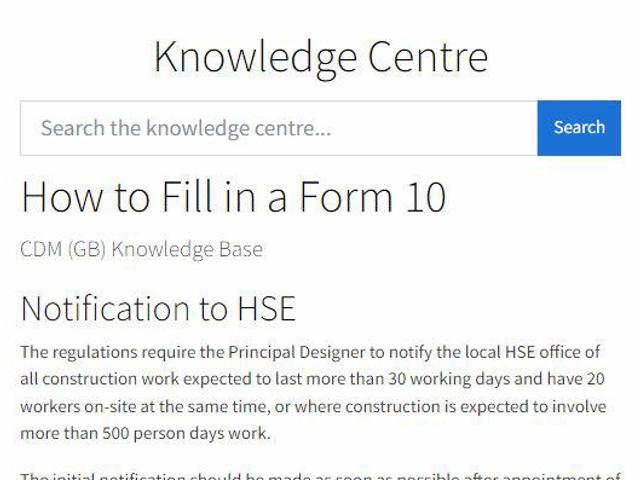
The Knowledge Centre includes a knowledge base of carefully researched and updated information about the entire CDM process.
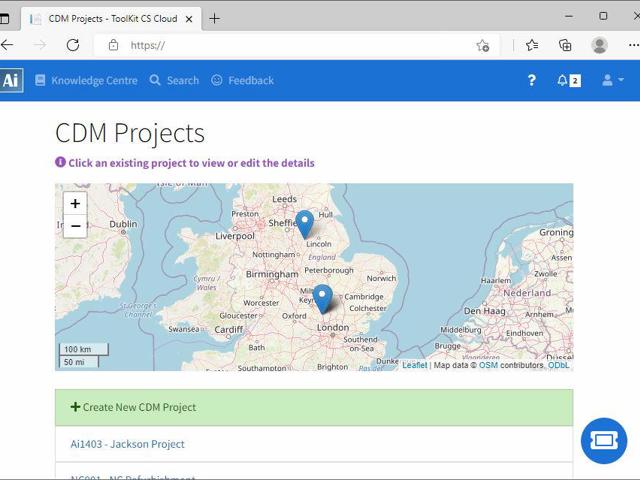
Users can access the application via any modern web browser on all devices (desktop, mobile/smartphone, tablet, etc) on a permissioned basis.
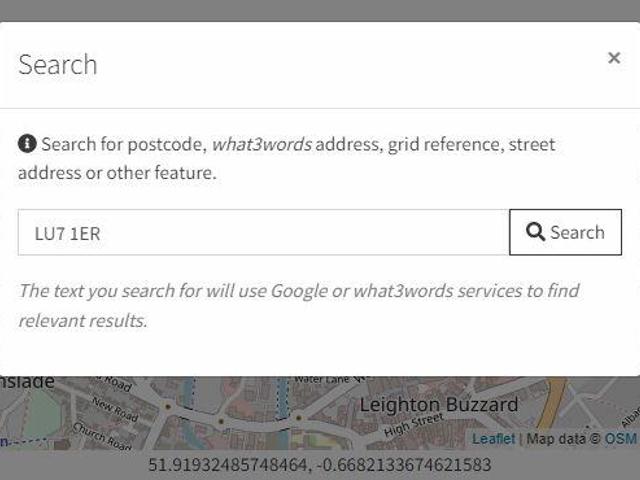
CDM ToolKit CS™ Cloud includes the facility to target co-ordinates against each structure and project in your database.
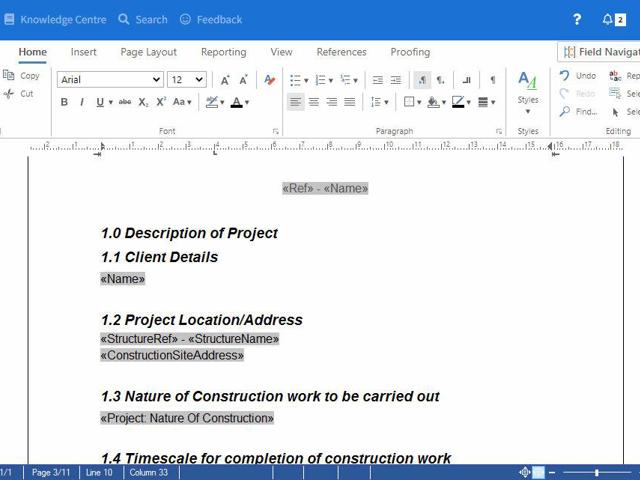
Document Templates, Editor, Version Control and History
The document management package included in CDM ToolKit CS™ Cloud uses a familiar user interface similar to Microsoft Word.
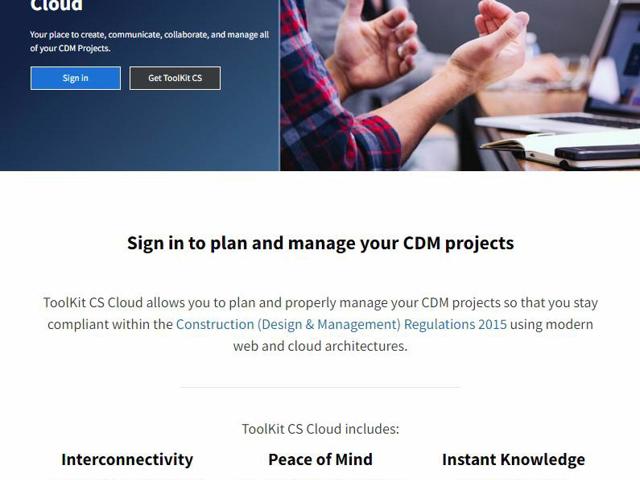
More features to help you stay compliant within the CDM Regulations.
To find out more about how CDM ToolKit CS™ Cloud can help you, please watch our product overview video and book your free online consultation and demonstration.